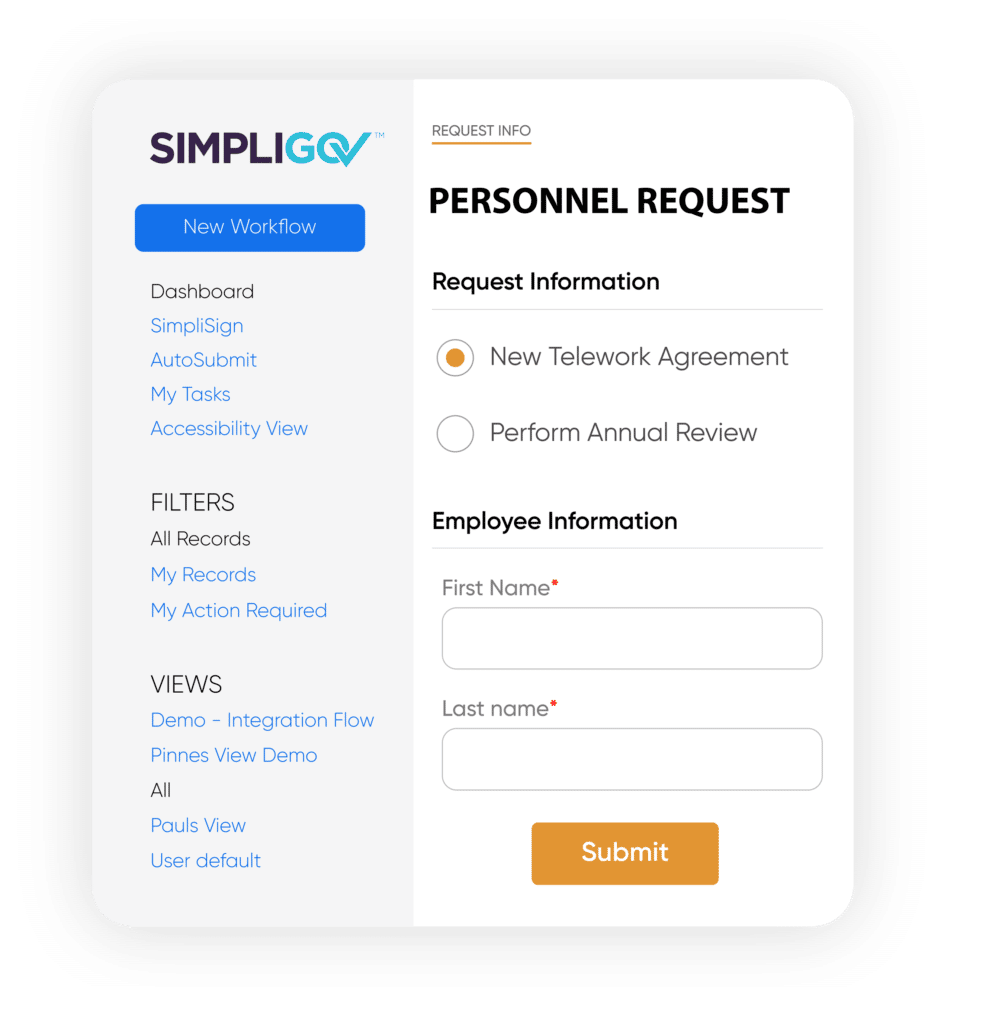
PDFs fail residents — on mobile, with assistive technology, and for anyone who struggles to navigate a static file. SimpliGov replaces them with modern, ADA-compliant HTML5 forms built to work for every resident, on every device — complete with automated approvals, eSignature, and real-time tracking. No IT heavy lifting required.
Stop dealing with incomplete submissions and missing signatures. SimpliGov guides every resident through each step with smart validation, accessible design, and mobile-friendly experiences — so submissions arrive ready to process, regardless of how or where someone accesses your services.
Approvals Move Without Anyone Managing Them.
No more printing, scanning, or manually forwarding requests. SimpliGov automatically routes submissions to the right people, collects signatures, and maintains a full audit trail — start to finish.
Your Team Builds Forms Without Waiting on IT.
Department staff can build, update, and publish forms themselves using a no-code designer built for government. No tickets, no delays, no custom development required.
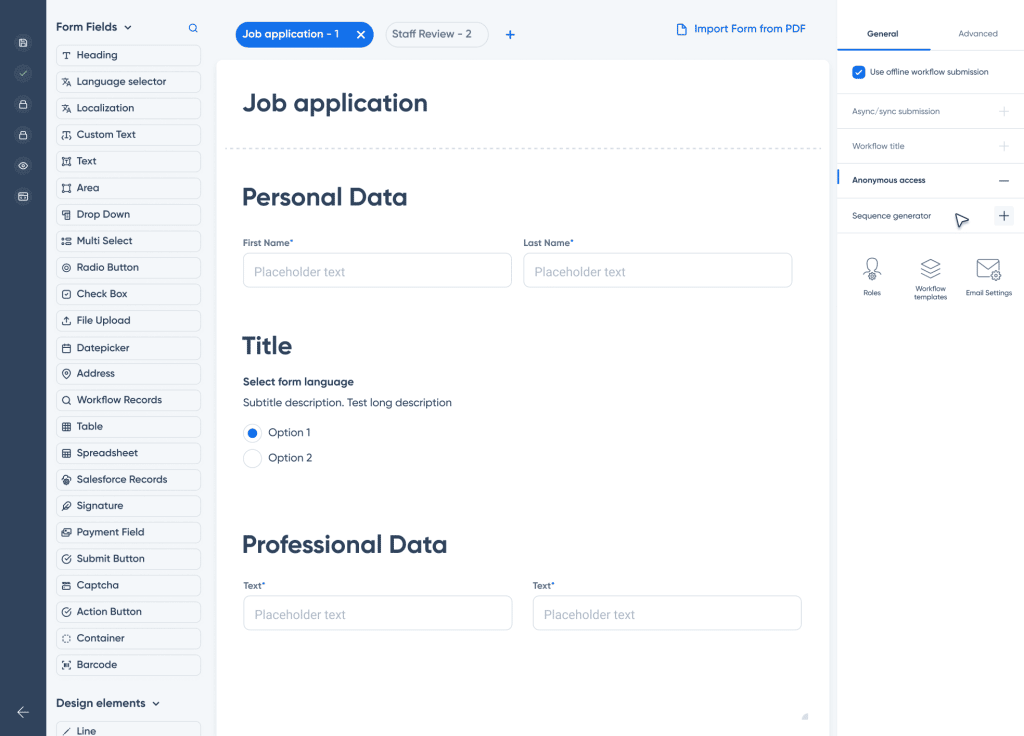
Create online forms easily with our intuitive form builder.
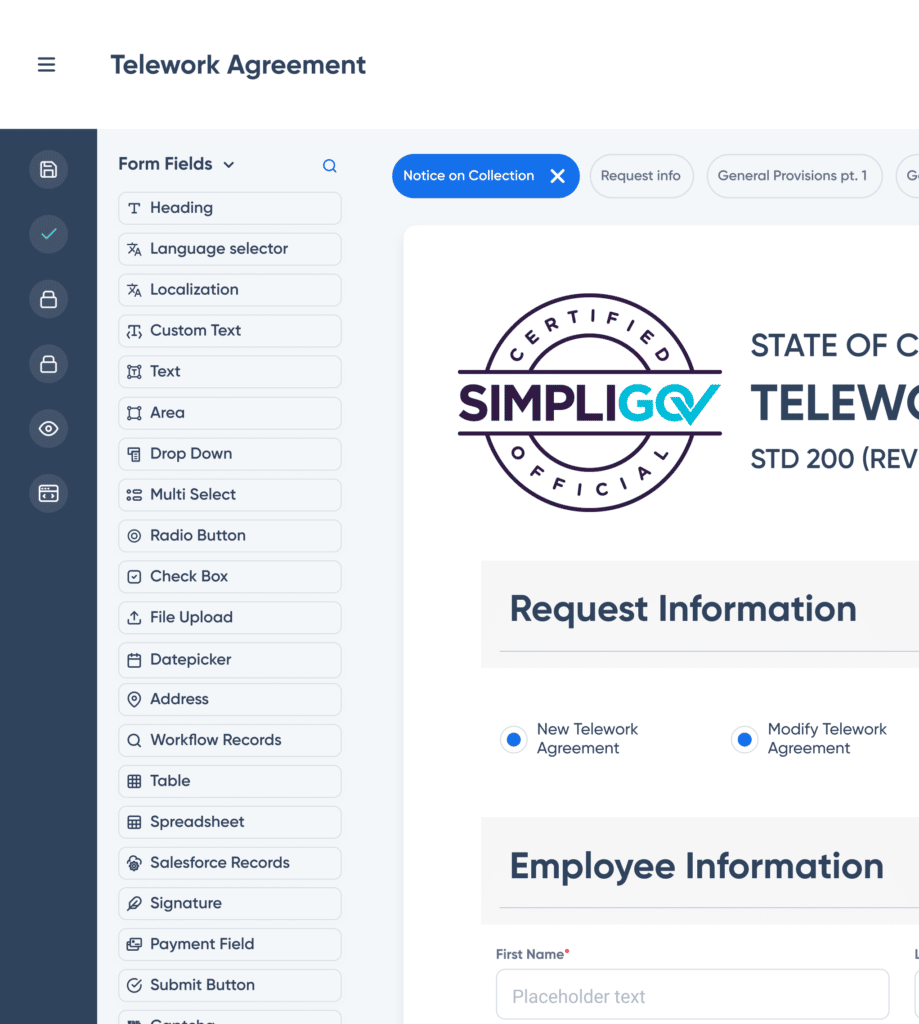
Built with government forms in mind, the SimpliGov form builder is an intuitive no-code designer with everything you need to digitize, standardize, and make accessible — across every department, without waiting on IT.
Every form built on SimpliGov is aligned with WCAG 2.1 Level AA standards — so accessibility isn’t something you add later. It’s there from the first field.
More than a form builder: SimpliGov connects digital forms to workflow automation, approvals, eSignature, integrations, and reporting in one government-first platform.
Build custom form fields or leverage pre-built ones.
With over 40 standard form fields and additional government-specific fields, you can build forms with:
Calculations and conditional logic
Tables, spreadsheets, and data elements
Nested fields and reusable content blocks
Attachments and supporting documentation
Multi-step experiences and validation rules
WCAG 2.1 Level AA accessibility standards built in
Standardize form submissions across programs while keeping forms easy for residents and staff to complete.
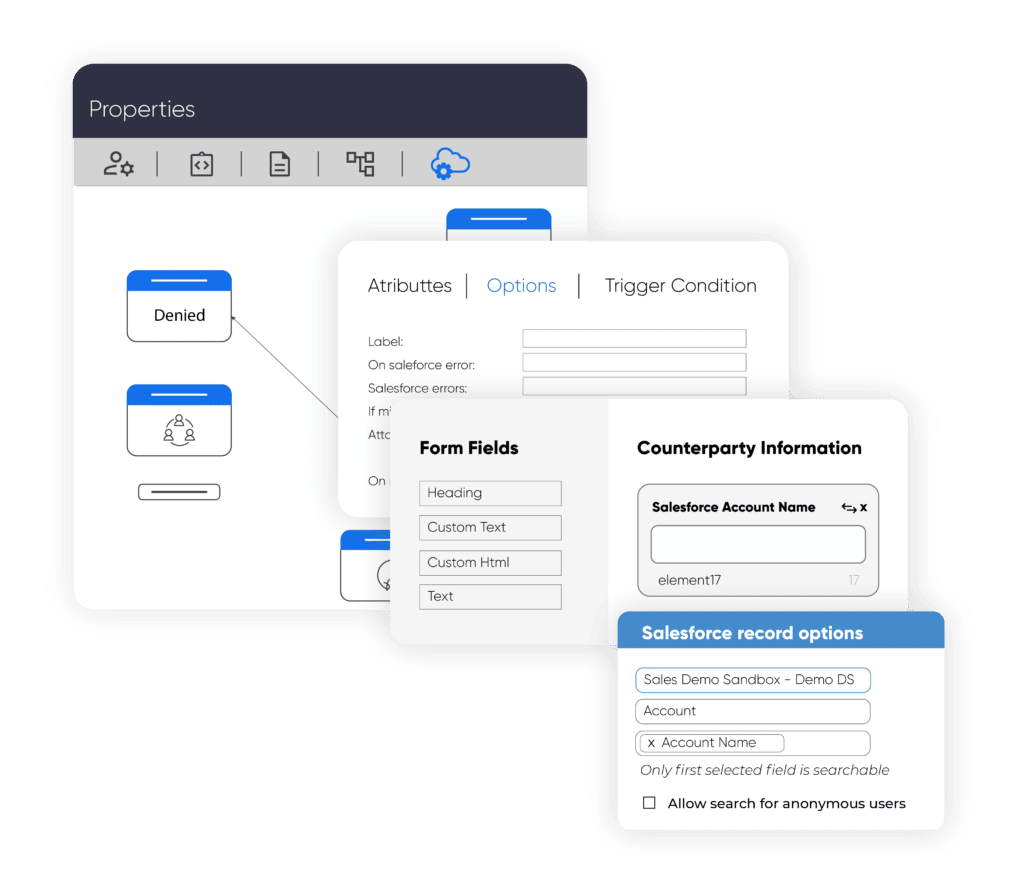
Integrate your data into form fields.
Build smart, intuitive forms by integrating data from internal or external systems directly into individual form fields. SimpliGov connectors are simple to set up and support two-way connections to keep data accurate across systems.
Use integrations to:
reduce duplicate entry and manual corrections
pre-fill known information for faster completion
route submissions to the right team automatically
trigger workflows, reporting, and follow-up actions
Form Builder Capabilities
Everything you need to build successful government forms.
Build Forms
Get Responses
Integrate
Data
Form fields
Create any form with our full toolbox of form field types.
Custom styling
Design your forms to match your style and brand.
Multiple-Page Forms
Include multiple-page forms for each workflow.
Formulas
Include calculated fields based on input criteria.
Prebuilt Blocks
Save time with pre-built reusable content blocks.
Embed Forms
Include your forms on any page or external website.
Containers
Include content subsections and allow users to drill down into them.
Custom Logos
Branded forms with your company logo, custom HTML, and imagery.
Tables, Data
Include tables, spreadsheets, and other data elements into forms.
Captcha & Barcodes
Captcha and barcode inclusion.
ADA Compliant
Compliant forms meeting government ADA standards.
Responsive
Interacting with forms is optimized across a wide range of devices, from desktop to mobile.
Languages
Display form fields in multiple languages.
File Uploads
Single or multi-file upload capability.
Auto-Population
Criteria-based auto and pre-population of fields.
Form Relationships
Connect different forms across workflows.
Workflow Attachment
Attach SimpliGov workflows to your forms.
Custom Notifications
Custom-branded logos and content for communications.
Payments
Integrate payments for seamless end-to-end transactions.
Platform Integrations
Integrate form data with internal and external platforms.
esignature
Capture electronic signatures at any stage in form completion.
Admin Notifications
Stay up to date with each step of the completion and review of forms with custom admin communications.
Track and View
Insightful data.
Audit Trail
View and manage every data item across any forms workflow.
Frequently Asked Questions About Digital Government Forms
How long does it take to go live?
Most agencies have their first forms live within days, not months. SimpliGov’s no-code builder means your team can move fast without waiting on IT or implementation consultants.
Is SimpliGov secure enough for sensitive government data?
Yes. SimpliGov is built to meet government security and compliance standards, with role-based access controls, audit trails, and data handling practices designed for public sector requirements.
Do we need IT involvement to get started?
Not for day-to-day use. Departments can build and manage their own forms without technical resources. IT teams are typically involved for integrations and SSO setup, which SimpliGov’s team supports directly.
What if our agency uses other systems?
SimpliGov supports integrations with common government platforms and data systems. Two-way connectors keep data accurate across tools and eliminate duplicate entry.
Can form data integrate with internal systems?
Yes. SimpliGov supports integrations and data APIs so agencies can connect submissions to internal platforms, reporting tools, and downstream workflows.
See What Modern Government Forms Look Like
Get a live walkthrough of how SimpliGov helps agencies replace paper-based forms, streamline approvals, and improve service delivery.
This website uses cookies to ensure you get the best experience possible.