
Policy Acknowledgements
Get every employee's signature on every policy, and know who still owes what.
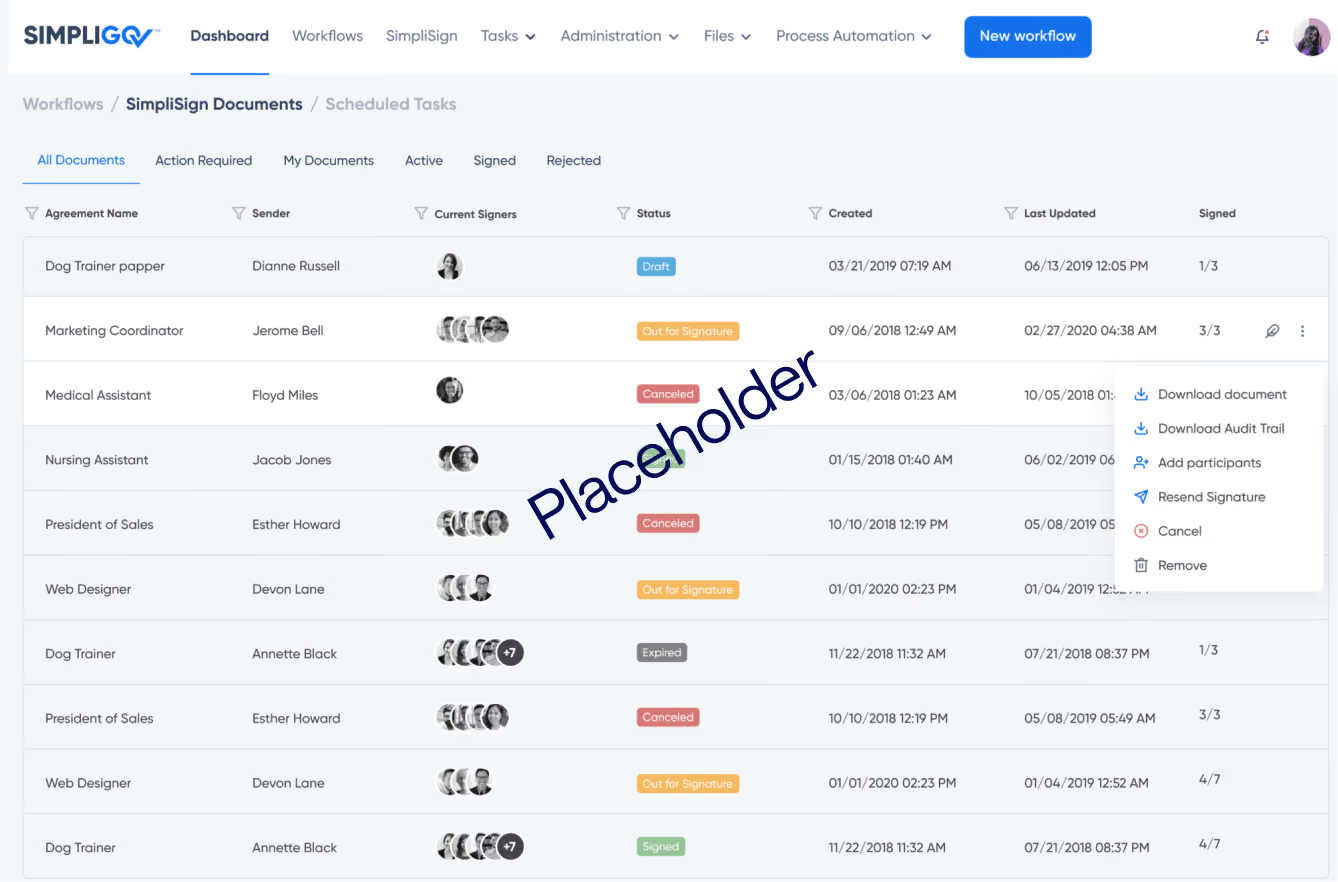
Get every employee's signature on every policy, and know who still owes what.
Overview
Employees sign off on a steady stream of policies: IT and security rules at hire, new AI policies, personnel manual updates, safety plans, vehicle use, and open enrollment. When those acknowledgements arrive on paper and by email, HR spends weeks collecting signatures and still can't confirm who signed which version. This workflow sends each policy to the employees who need it and keeps a record you can pull up for any employee or policy.
Why it matters
Proof of every signature
Each acknowledgement is stored with the employee, the policy version, and the date signed, ready for an audit or investigation.
Policy updates that reach everyone at once
A new or revised policy goes to every affected employee together, and HR sees who still owes a signature. [confirm bulk send]
Complete sign-offs for every new hire
New hires sign each required policy online, and HR knows when the full set is done.
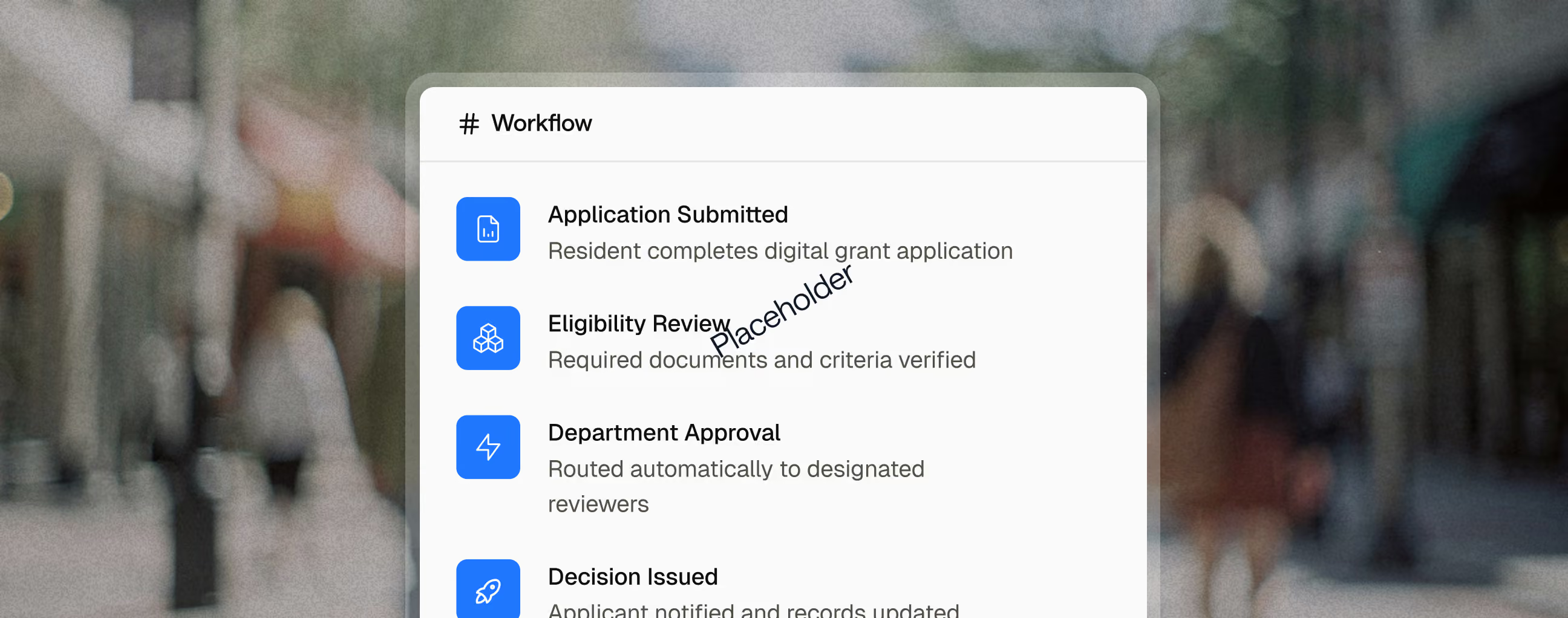
Key capabilities

IT and security, AI use, personnel manuals, safety, benefits enrollment, and professional attestations all run the same way.

Policy owners choose who needs to sign each policy and set a deadline.

Employees who haven't signed are reminded until they do.

Supervisors see who on their team still owes a signature.

A new version starts new sign-offs, while earlier signatures stay on record.

Review before rollout
Reporting and Outcomes

Related use cases

Employees
Supervisors
Department Head
Telewrok Coordinators
Human Resources
Telework Approvals
Collect telework requests, route them through every approval, and keep a signed, current agreement on file for every employee.
Human Resources
Benefits Administration
Finance
Agency Leadership
Personnel Action Requests
Move promotions, transfers, reclassifications, and separations through every required review, with a complete record at the end.
Human Resources
Payroll
Payroll & Onboarding Forms
Get new hires through every form, signature, and department handoff before their first day.
FAQ
What is a policy acknowledgement?
A policy acknowledgement is an employee's signed confirmation that they received, read, and agree to follow an agency policy. Common examples include IT and security policies, codes of conduct, and personnel manuals.
Are electronic signatures valid for policy acknowledgements?
Electronic signatures are generally recognized under the federal ESIGN Act and state UETA laws. Check with your agency's counsel for policies with specific signature requirements.
What should agencies look for in a policy acknowledgment system?
Look for signatures tied to the specific policy version, automatic reminders for anyone who hasn't signed, and reporting by department so HR can show completion during an audit or investigation.