
Payroll & Onboarding Forms
Get new hires through every form, signature, and department handoff before their first day.
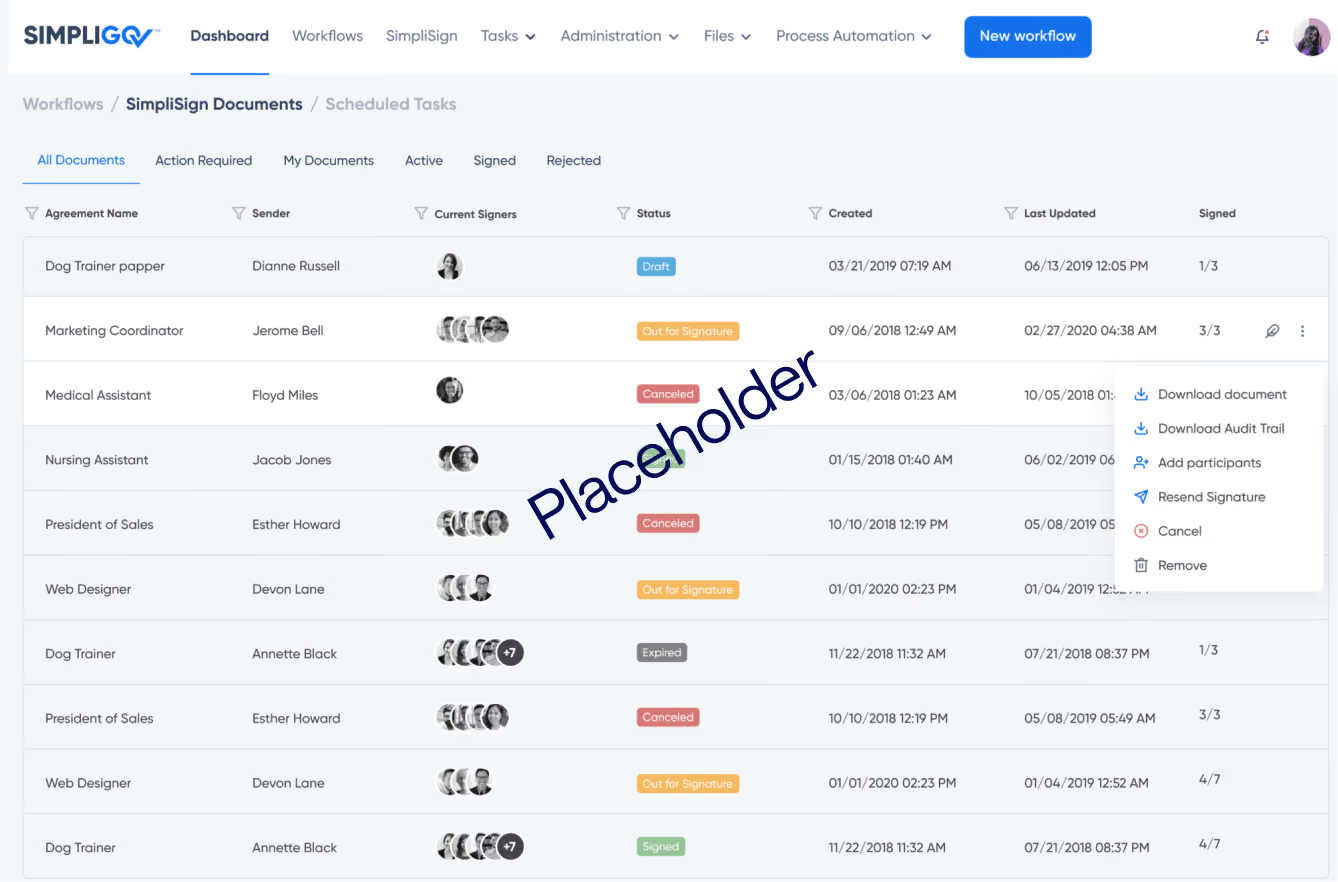
Get new hires through every form, signature, and department handoff before their first day.
Overview
Onboarding one employee can involve HR, payroll, IT, the hiring manager, and the new hire, each working from a different copy of the new hire paperwork. When forms move on paper or over email, errors reach payroll, tasks get missed, and new hires show up without what they need. This workflow collects the new hire's information once and gives every department its part before the start date.
Why it matters
Every department ready on time
One onboarding request gives each department its tasks before the start date.
One record, entered once
New hires enter their details once, and every department works from the same information.
Accurate paperwork before it reaches payroll
Incomplete or incorrect entries are flagged and fixed before anything is submitted.
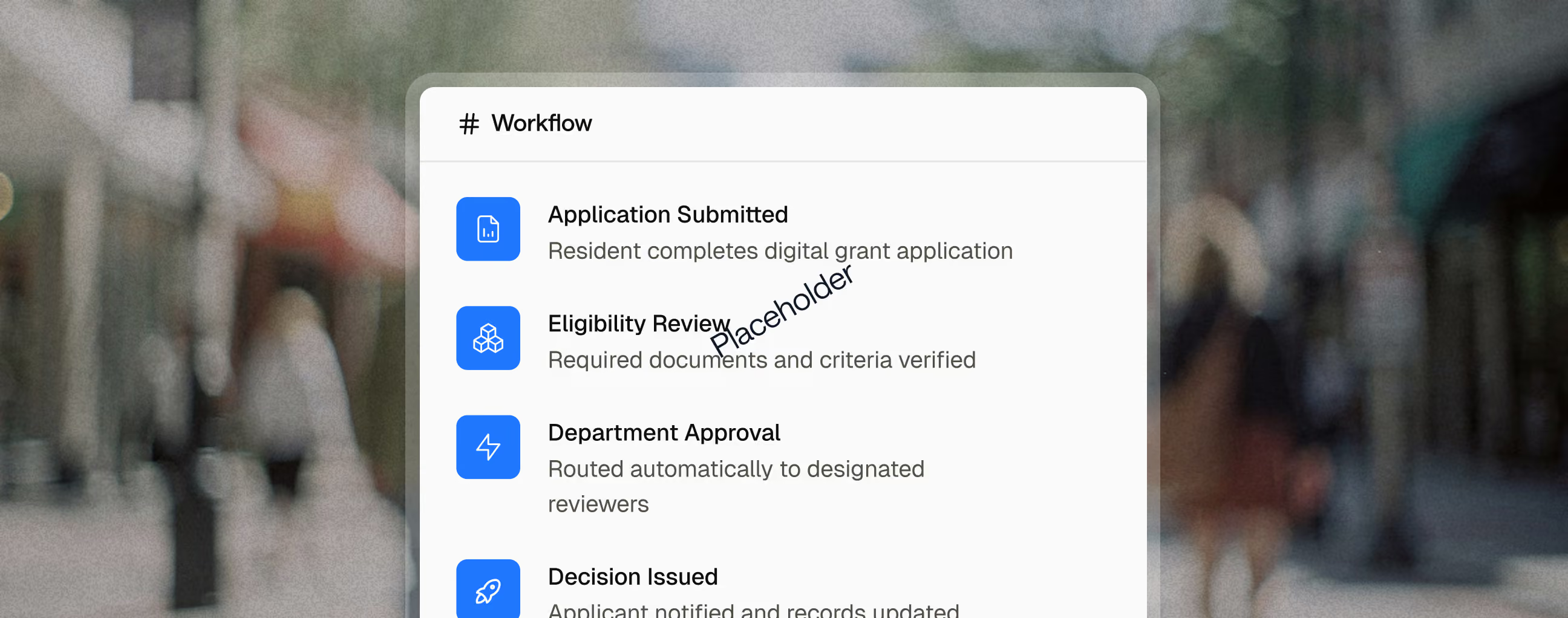
Key capabilities

The position determines which departments are involved and what each one needs to do.

New hire details fill in from systems you already use, so no one retypes them.

Payroll and tax forms flag incomplete or incorrect entries before anything is filed.

Each department's notice includes the information it needs to finish its task, so no one has to ask.

New hires and reviewers sign every required document without printing, scanning, or mailing anything.

Every form and signed document is stored together and easy to find later.
Reporting and Outcomes

ROI
Texas county public health department
Onboarding ran on email and legacy software, and one unfinished task could put a new hire's start behind schedule. Now a single form tells operations and IT what to set up for each position.
Related use cases

Human Resources
Benefits Administration
Finance
Agency Leadership
Personnel Action Requests
Move promotions, transfers, reclassifications, and separations through every required review, with a complete record at the end.
Applicants
Human Resources
Review Panels
E-Recruitment & Employment Applications
Take in high volumes of applications, keep every applicant informed, and move new hires straight into onboarding.
Employees
Human Resources
Supervisors
Policy Owners in IT, Legal and Safety
Policy Acknowledgements
Get every employee's signature on every policy, and know who still owes what.
FAQ
What paperwork does a new government employee need to complete?
New hires typically complete federal and state tax withholding forms, employment eligibility verification, direct deposit, benefits enrollment, emergency contacts, and agency policy acknowledgements. Some positions also require oaths of office or background forms.
Why do new hires start without equipment or system access?
Onboarding depends on several departments finishing their part before day one, and one late task holds up the rest. At one Texas county public health department, coordinating onboarding by email and legacy software meant a single unfinished task could put everything behind schedule.
Can onboarding cover IT and facilities tasks, not just HR forms?
Yes. At that Texas county public health department, a submitted onboarding form tells operations to set up workstations, phones, and supplies, and tells IT to create accounts and grant system access for the position.