
Government Human Resources Software
Purpose-Built for Public Sector Teams
Bring people on faster, keep the ones you have. Prove every step.
SimpliGov is the workflow automation platform where HR teams design, run, and improve every personnel process, from headcount control to offboarding, in one connected system. HR owns how the work gets done, with an audit trail built into every step.
- Personnel actions route and document themselves automatically
- Full employee history: every form, approval, and file in one place
- Role-based access for HR, payroll, and department collaboration
- Trusted by state and local government HR departments
See SimpliGov in action
Talk to a government workflow expert. Response within one business day.
70%
faster onboarding for customers
Weeks
not months to deploy
Zero
IT dependency for configuration
The Problem
Most government HR systems were built to store records, not run the process around them.
HR systems were built to store employee records, not run the process connecting hiring, payroll, and every department in between. So the coordination behind HR happens in email, paper files, and spreadsheets. Each system may work as designed, but the process connecting them is manual, fragmented, and invisible, and that’s where HR falls behind.
HR staff piece together an employee’s full history from paper files, email threads, and spreadsheets.
When they leave, that institutional knowledge leaves with them.
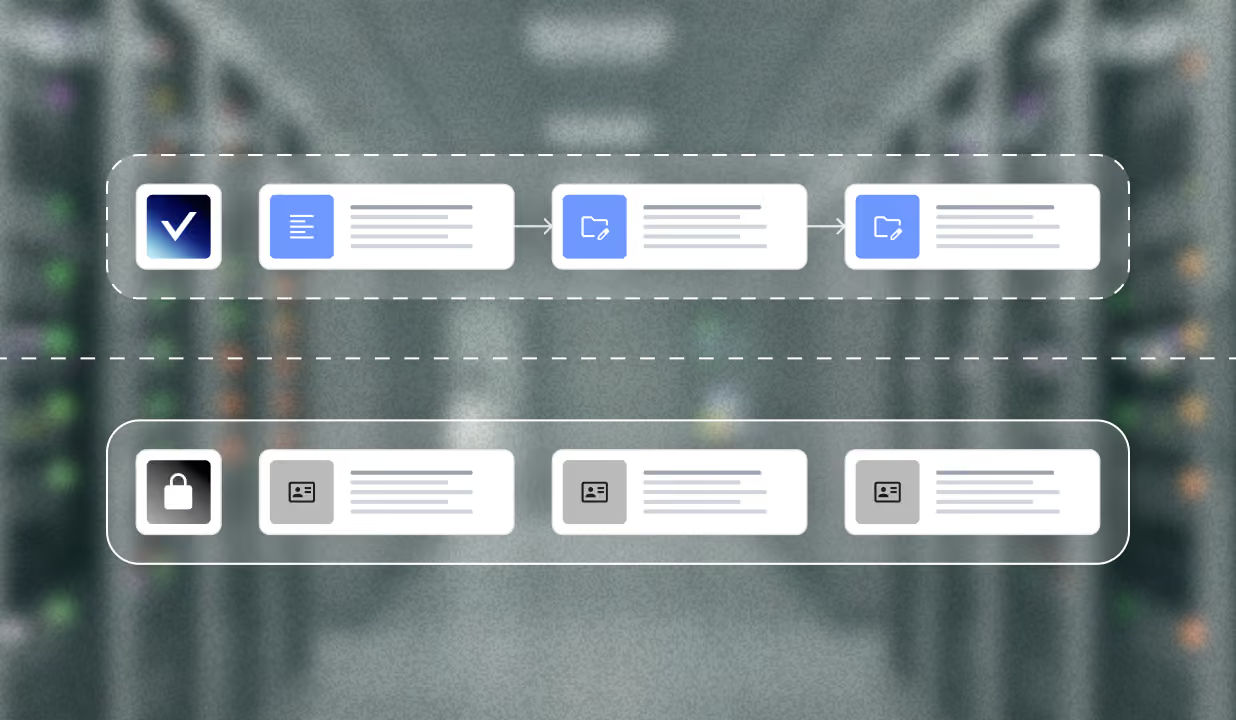
Personnel actions pass through multiple approvers by hand.
One missed signature holds up a start date, a payroll change, or a benefits election.
When a policy or classification changes, getting it into the process means a change request and a wait measured in weeks or months.
Staff bridge the gap manually, and manual gaps create compliance risk.
Hiring freeze and position control requests move through duplicate forms and unclear ownership.
One HR director called it the most dreaded process in the department, and neither HR nor the hiring manager can see where it’s stuck.
HOW SIMPLIGOV HELPS
Everything your HR team needs to run. In one place.
01
The full employee record, always visible
Every form, approval, and document connected in one record, built automatically as work moves through the system. When HR opens an employee file, the full picture is already there.
02
One process, every department that touches it
Personnel actions rarely stay in one department. SimpliGov lets HR, payroll, finance, and supervisors collaborate on the same record without exposing data they shouldn’t see. Access stays exactly where it belongs, and nowhere else.
03
Onboarding forms that don't slow hiring down
SimpliGov turns new-hire paperwork into digital forms that validate required fields, work on any device, and can be configured to meet government accessibility standards. New hires finish onboarding before their first day, not during it.
04
Employees stay informed every step of the way
Automated notifications go out when a request is submitted, when it moves forward, when something is needed. Employees know where a personnel action stands without calling HR, and your team stays focused on the work, not status questions.
HOW IT WORKS
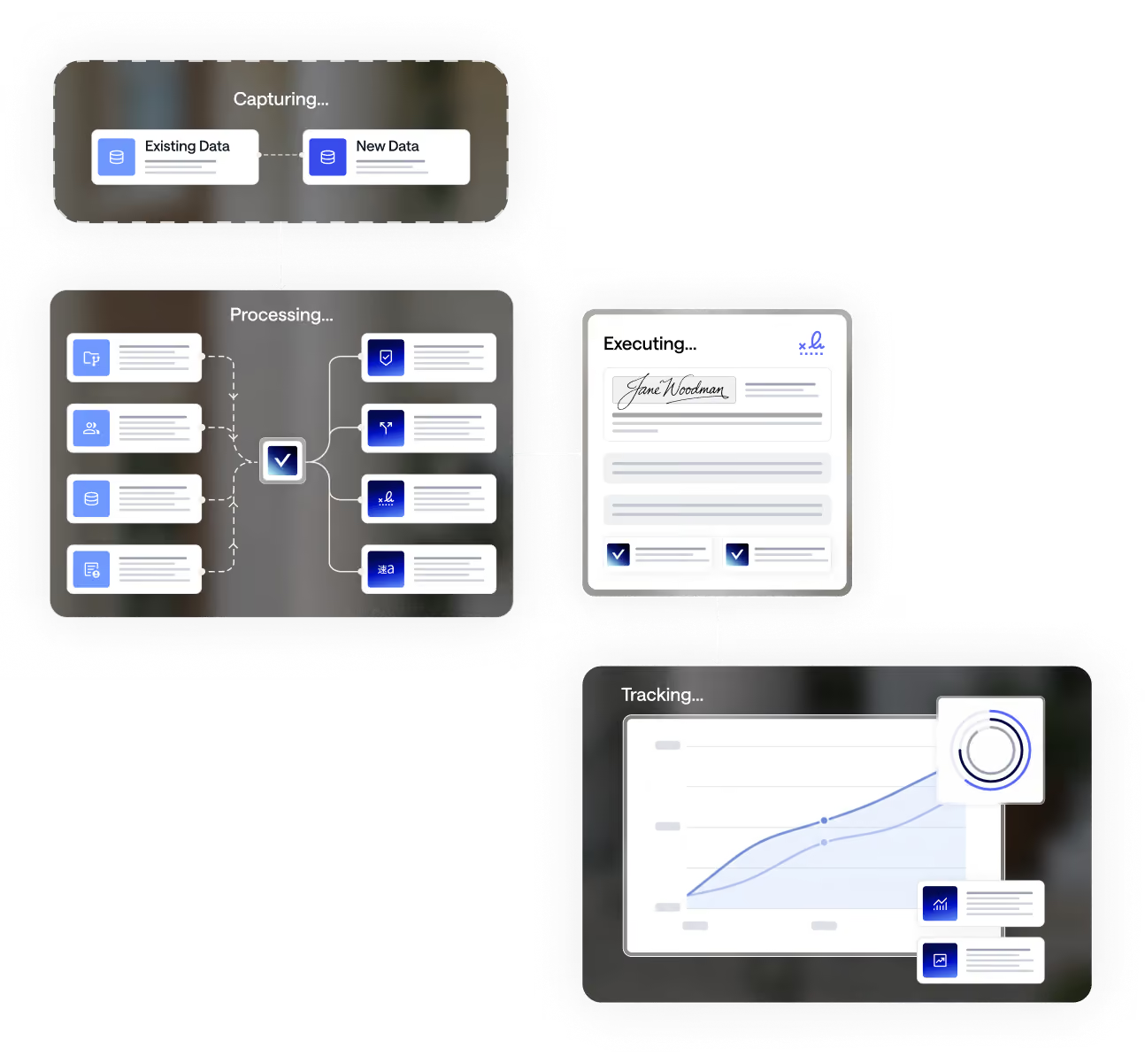
How an HR request moves through the system
Step 01
Submit
An employee or supervisor submits a request, onboarding, a personnel action, leave, or a compensation change, through an existing SimpliGov workflow. The submission is received, logged, and a record is created automatically.
Step 02
Route & Approve
The request routes to the right approvers based on your workflow configuration. Each reviewer sees the request in their queue with full context.
Step 03
Review & Process
HR opens the record and sees every associated form, approval, note, and file in one place. Updates, adds context, attaches documents, all without leaving the record.
Step 04
Documented & Filed
The decision is documented in the employee record. Full activity history is preserved. Every action is logged with who did it and when.

PROGRAM AREAS
Built for the HR processes that matter most

Onboarding & New Hire Forms
Digitize I-9s, W-4s, and other new-hire paperwork into forms that validate before submission, so new employees arrive ready on day one.

Requests for Personnel Action (RPA)
Promotions, transfers, reassignments, retirements, and terminations, routed to the right approvers and documented automatically from request to close.

Compensation & Classification
Keep job groups and salary schedules current and accurate, with a clear, auditable trail every time a classification changes.

Positon Control & Hiring Freeze Requests
Replace the spreadsheet with too many tabs, users, and formulas with one employee record everyone works from.

Employee Records & Documentation
Every form, approval, and document tied to the employee it belongs to, from first day to last, with nothing lost to a departing staff member’s inbox.

Leave & Time-Off Requests
Requests route to the right supervisor, get documented, and stay visible to HR and payroll, without a chain of emails to track down an approval.
WHO IT'S BUILT FOR
SimpliGov is exclusively for government
We built SimpliGov specifically for state and local government. It’s not a general-purpose platform that’s been retrofitted. If it’s not government, it’s not our customer.

Great Fit
- State, city and county HR departments
- Municipal HR teams onboarding and personnel actions across departments
- Public sector payroll and benefits administration teams
- Agencies managing compensation and classification programs
- HR teams supporting multi-department city and county government
We built SimpliGov specifically for state and local government. It’s not a general-purpose platform that’s been retrofitted. If it’s not government, it’s not our customer.
Not a Fit
- Nonprofits & NGOs
- Education institutions (K-12 / Higher Ed)
- Private sector / commercial organizations
HOW SIMPLIGOV FITS
SimpliGov doesn't replace what you have
vs. ServiceNow
ServiceNow is built for IT departments. SimpliGov is built for the program teams who don’t want to wait on IT to run their programs.


vs. Legacy Systems
Policy updates in days, not months. No change requests. No coding. Program teams own their workflows and update them when policy changes.

vs. Salesforce
Deploy in weeks. Unlimited users. No 18-month implementation. No enterprise overhead that requires a dedicated IT team to maintain.
vs. Spreadsheets & Email
Work that lives in inboxes can’t be audited, measured, or scaled. SimpliGov makes the invisible work visible and keeps it that way.
Your program shouldn't depend
on any one person's memory.
SimpliGov gives HHS program directors a single system to run every case. Every deadline tracked. Every audit trail complete. Every policy change made in days, not months.